
Managing a WhatsApp pharmacy store in Lebanon lets you handle refill and over-the-counter (OTC) requests in one familiar chat. With clear messages and organized chat intake, customers know exactly where their request stands, without relying on marketplace apps.
How to Set Up Your WhatsApp Pharmacy Store
Start with a dedicated WhatsApp Business account for the pharmacy, separate from anyone's personal number. Make sure the profile shows your pharmacy name, location, working hours and contact details, so customers can see they are writing to the right place.
Add a short greeting message that explains what the chat is for: placing refill requests and ordering OTC products. It can also mention that a pharmacist reviews every prescription request.
Organizing Product Information
When customers reach out for refill or OTC requests, clarity is key. Here's how to keep product information easy to follow:
- Clear Product Notes: For OTC items, list the product name, brand, pack size and format, such as tablets, syrup or cream, so the customer can confirm they are asking for the right item.
- Availability Updates: Tell customers in the chat whether an item is in stock or when you expect it back, instead of leaving the request open.
- Prescription Items: For refills, ask the customer to share their valid prescription. The pharmacist checks the prescription and follows Lebanese pharmacy rules before anything is prepared. Prescription-only medicine is never dispensed without a valid prescription.
Efficient Chat Intake Process
A consistent intake routine keeps every request clear. Here are some practical tips:
- Structured Replies: Use saved replies for common steps, such as asking for the product name and pack size, or asking the customer to send their valid prescription for a refill.
- One Request per Thread: Keep each customer's request in their own chat and confirm it before moving on. This helps prevent mix-ups between similar products.
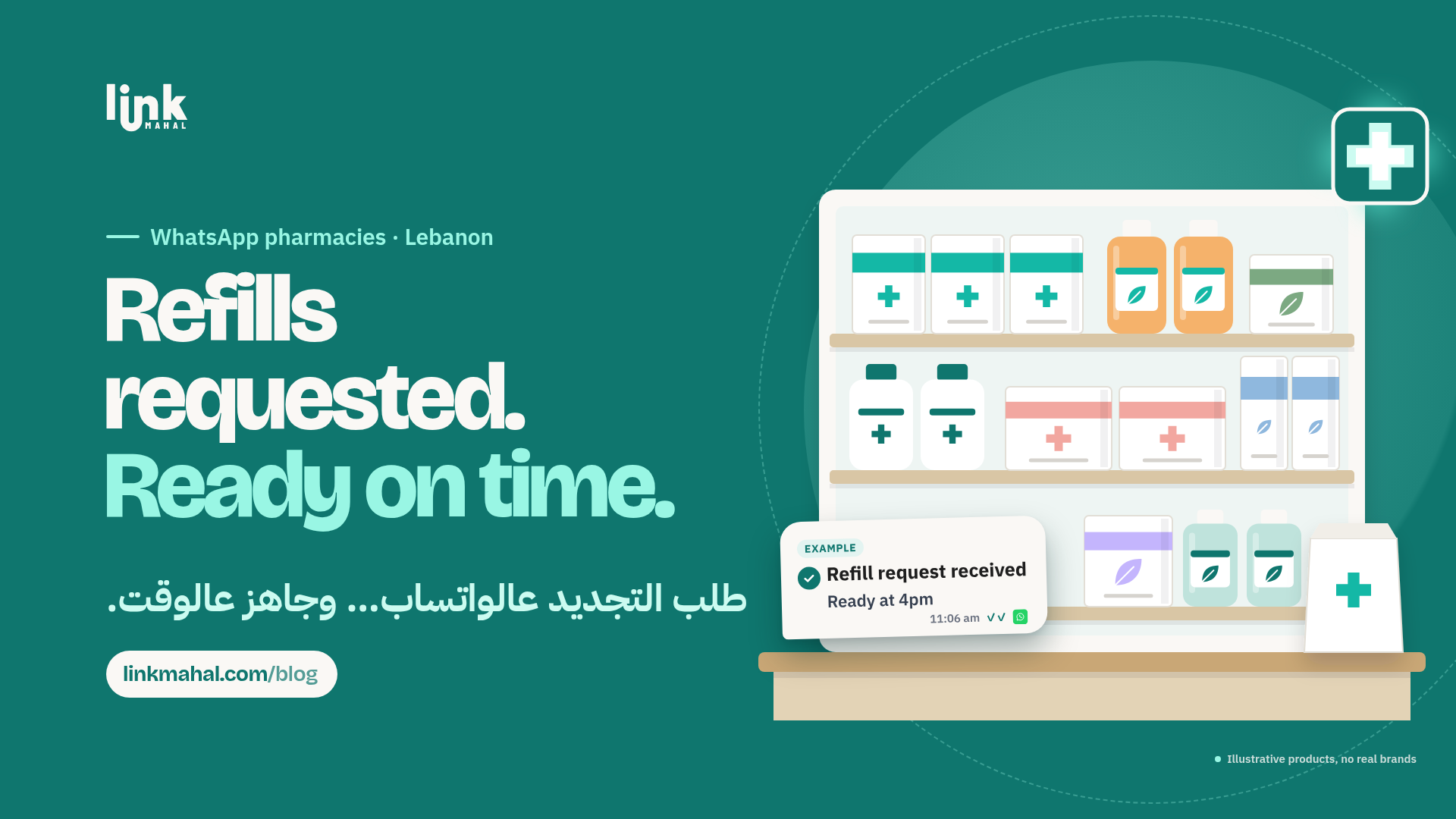
- Written Confirmation: Sum up the request in one message the customer can reply to, for example: "Refill request received. The pharmacist will check your prescription and we will confirm when it is ready, around 4pm."
Keeping Customer Health Details Private
Pharmacy chats often include prescriptions and personal details, so handle them with care:
- Ask Only for What You Need: Request the prescription and the details needed to prepare the order, and nothing more.
- Limit Access: Keep the pharmacy WhatsApp account on a staff device that only authorized team members use.
- Keep Health Topics Out of Group Chats: Never share a customer's prescription or order details in group chats or with anyone outside the pharmacy team.
Handling Customer Inquiries
Customers may ask questions that go beyond placing an order. Keep the chat focused on the ordering workflow:
- Product and Order Questions: Answer questions about availability, pack sizes and the status of a request directly in the chat.
- Health Questions: WhatsApp ordering is not a substitute for a consultation. For questions about symptoms or how to use a medicine, invite the customer to speak with the pharmacist in person or with their doctor.
Clear Replies for Out-of-Stock Items
When an item isn't available, a quick and honest reply keeps the request moving:
- Say It Early: Let the customer know as soon as you see the item is out of stock, rather than after they wait.
- Give a Realistic Restock Window: If you expect new stock, share an approximate date and offer to message them when it arrives.
- Leave Alternatives to the Pharmacist: If an alternative might be suitable, the pharmacist should be the one to discuss it with the customer.
Running a pharmacy refill and OTC shop on WhatsApp in Lebanon works best with clear product notes, careful chat intake and a pharmacist who checks every prescription request. With a simple, consistent routine, customers always know what happens next.
Ready to start your journey in selling online? Create your own store with Link Mahal today: Register here.