
Many readers in Lebanon already message their local bookshop with questions like "Do you have this one?", "Is it in French?" or "Can you get it for me?". Running a WhatsApp bookshop in Lebanon well comes down to three habits: describe every book the same way, use a short checklist for vague requests, and confirm each order in one clear message. This guide walks through each step.
List Every Book in the Same Format
Customers ask the same questions about almost every book, so answer them up front. Give each title a consistent listing in your store and in chat:
- Title and author: the full title as printed on the cover, plus the author's name.
- Language edition: Arabic, French or English (and the translator, if it is a translation).
- Format: paperback, hardcover or pocket edition.
- Condition: new, or used with a short honest note (for example "light pencil marks on two pages").
- Availability: in stock, last copy, or available to order.
When every listing follows this pattern, customers can compare editions quickly and you spend less time repeating the same answers in chat.
Ask Four Questions When a Request Is Vague
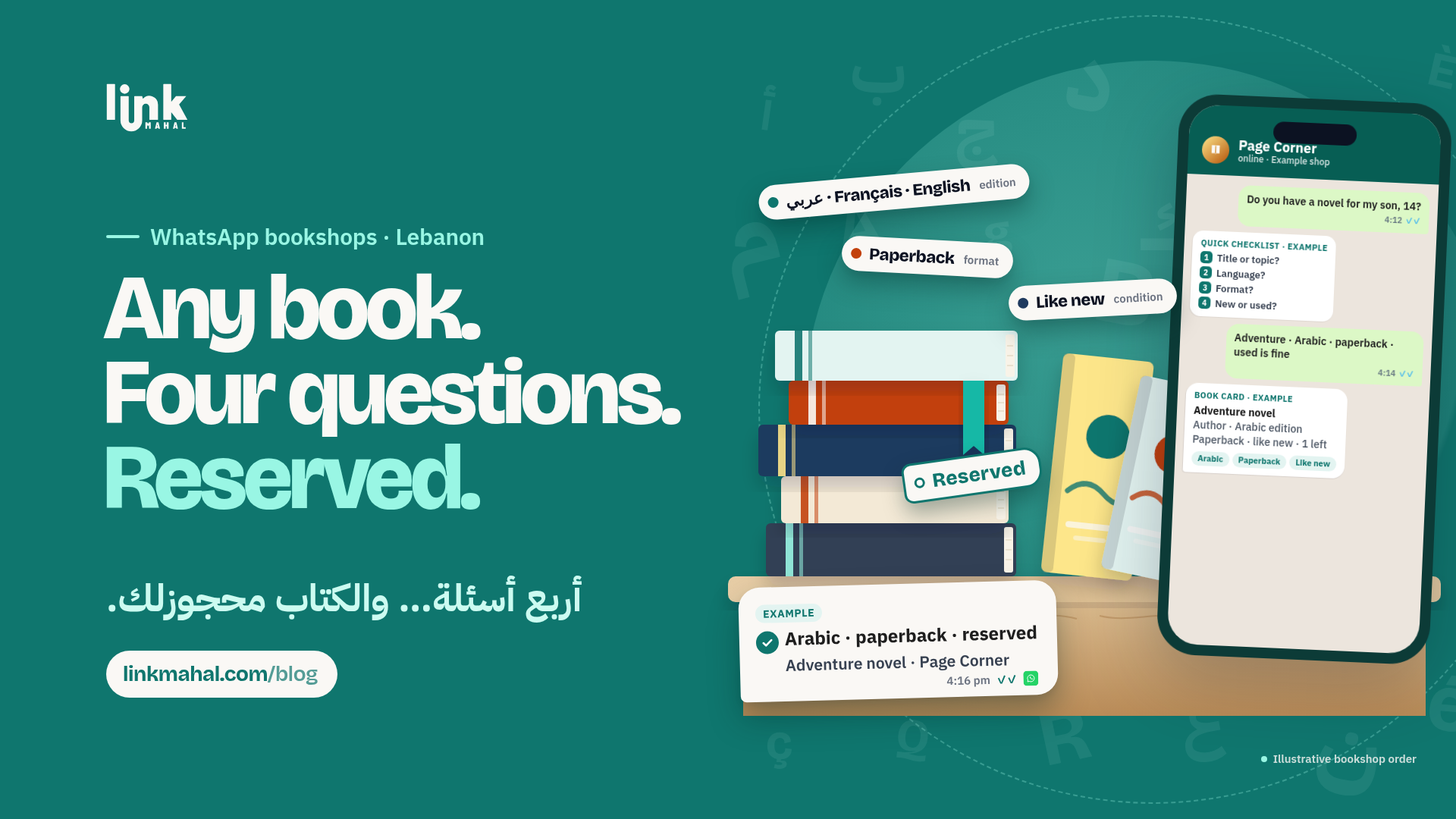
Readers often remember only part of a title, describe the plot, or mention a cover they saw somewhere. Instead of a long back-and-forth, reply with a short checklist:
- What do you remember of the title, or what is the book about?
- Do you know the author's name?
- Which language would you like to read it in?
- Do you prefer paperback or hardcover, and is a used copy fine?
Four answers are usually enough to identify the book or narrow it down to two or three options you can suggest.
Handle Special Orders Honestly
When a customer asks for a book you do not have, a clear special-order process keeps the request from getting lost:
- Only promise what you know: say something like "I will check with my supplier and tell you what I find out", rather than naming a date you cannot control.
- Write the request down: note the title, edition and language the moment the request arrives, so nothing depends on memory.
- Update even when the answer is no: if the edition is out of print or unavailable, tell the customer and suggest a close alternative, such as another translation or a similar title.
Hold Reserved Copies With a Clear Time Limit
A customer who says "keep it for me" should know exactly what that means. When you reserve a copy:
- Confirm the title, edition and how long you will hold it, using a hold period that suits your shop.
- Send one short reminder before the hold ends, so the customer knows the copy is still set aside.
- Release the copy back to your shelf once the hold expires, so your stock stays accurate.
Keep Short In-Stock Recommendation Lists
Many messages are really asking for advice: "What should I get my 10-year-old?" or "Something similar to a novel I enjoyed?". Keep a short list of go-to titles you have on the shelf right now, grouped by genre (fiction, history, poetry, self-development, comics) and by age group (early readers, children, young adults, adults). Ask one question about what the reader enjoyed recently, then suggest two or three titles from that list, and refresh it whenever a copy sells out.
Confirm Each Order in One Summary Message
Before you set a book aside, send a single summary and ask the customer to reply "confirm":
- Title and author
- Language edition and format
- Condition (new or used)
- Whether it is in stock now or a special order
Hypothetical example (a made-up shop for illustration only): imagine a small bookshop that receives a message describing a novel's plot. It replies with the four questions, identifies the French paperback edition, and sends: "1 x [title] by [author], French edition, paperback, new, in stock. Reply confirm and I will set it aside for you." One message, no confusion about which edition was agreed.
With consistent listings, four questions for vague requests and a one-message confirmation, a Lebanese bookshop can handle WhatsApp book orders calmly and accurately. A simple online store keeps your listings in one place behind a single link you can share in chat. For more on selling online in Lebanon, see this guide. Ready to set up your bookshop's store? Register now on Link Mahal and start sharing your book list on WhatsApp today.