
Most Lebanese buyers already trust WhatsApp for their orders, making it the ideal platform for catering services. By creating clear menu packages and confirming details on the day of the event, caterers can streamline their WhatsApp catering orders in Lebanon.
How Can Caterers Set Up WhatsApp Catering Orders?
Establishing a system for WhatsApp catering orders begins with organization. Here are practical steps to consider:
- Create Clear Menu Packages: Offer a selection of trays with defined portions and prices. This helps clients quickly decide what they want.
- Use WhatsApp for Initial Quotes: Engage clients via direct messaging to provide them with quotes based on their headcount.
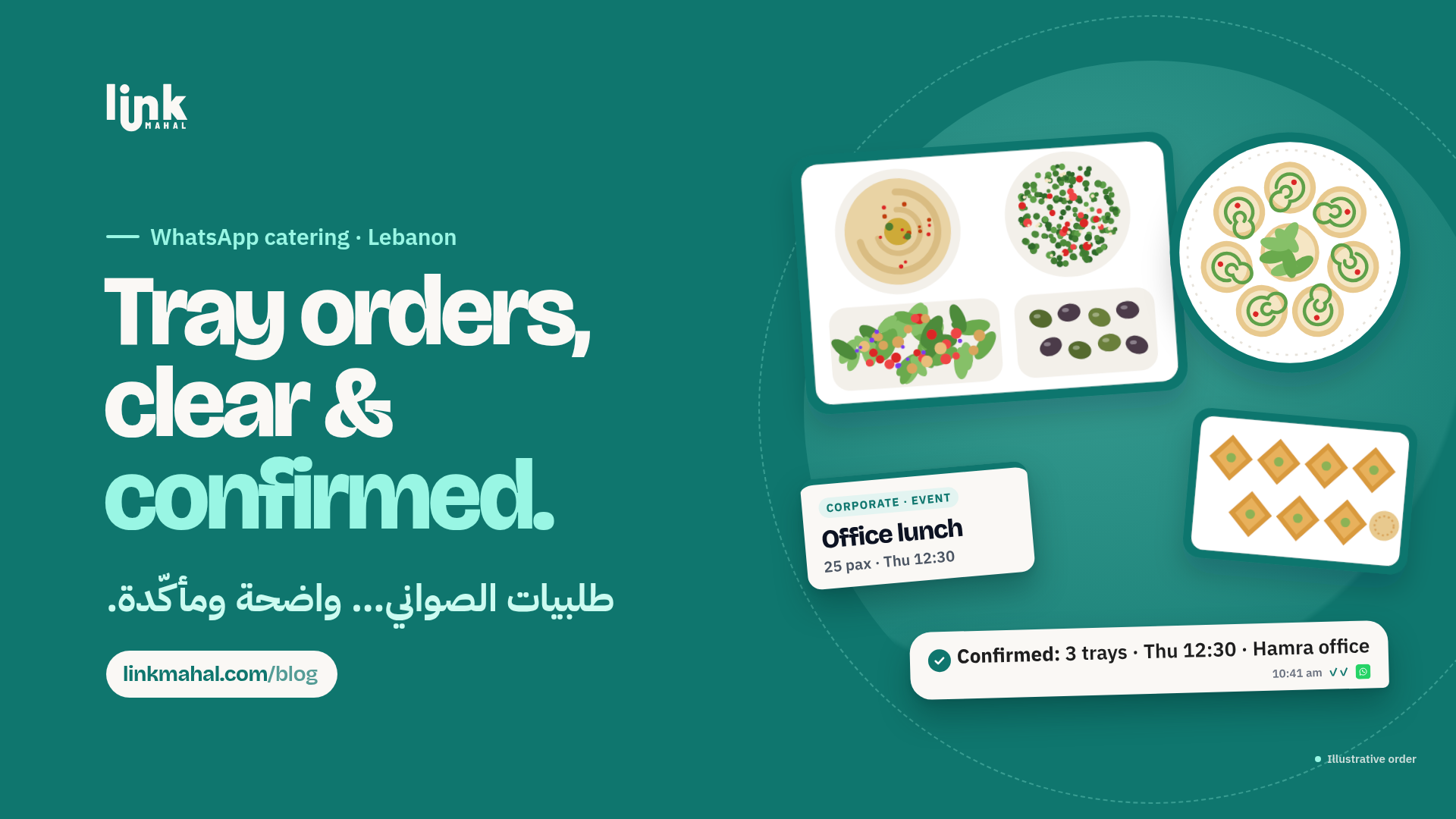
- Confirm Everything in Writing: Send one WhatsApp message that lists the package, quantities, date, time and delivery address, and ask the client to reply "confirmed" before you start preparing.
What Should Caterers Include in Their Corporate Tray Orders?
When taking corporate tray orders, it’s essential to provide detailed information:
- Headcount: Always confirm the number of guests to ensure sufficient food. Use simple messaging like, "How many guests are you expecting?"
- Menu Options: Offer a variety of choices, including vegetarian or gluten-free options. Send clients a digital menu link for easy reference.
- Day-of Confirmation: A day before the event, reconfirm details. A quick voice note can personalize this interaction and ensure nothing is overlooked.
How to Manage Communication for Different Types of Orders
Balancing retail chats and corporate event chats can be challenging. Here’s how to keep them organized:
- Create Separate Chats: Use different group chats or labels within WhatsApp to distinguish between corporate and retail orders. This reduces confusion and helps you focus on the specific needs of each client.
- Utilize Voice Notes: During busy hours, sending voice notes can save time and add a personal touch. Clients appreciate this direct form of communication.
What Are the Best Practices for Taking Orders on WhatsApp?
To ensure a smooth ordering process, implement these best practices:
- Respond Promptly: Quick replies during peak times can greatly enhance customer satisfaction. Aim to address inquiries within a few minutes.
- Follow-Up Messages: After initial quotes, follow up with confirmation messages. This reassures clients their orders are being processed and details are correct.
- Send Reminder Messages: A day before the event, send a reminder about the upcoming order. This way, clients can make any last-minute changes.
How Can Caterers Personalize the Ordering Experience?
Personal touches can set your catering business apart. Consider these tactics:
- Use Client Names: Always address clients by their names in messages. This makes interactions feel more personal and valued.
- Send Thank You Notes: After delivering an order, a simple thank you message can encourage repeat business and foster strong relationships.
By establishing a clear system for WhatsApp catering orders in Lebanon, caterers can enhance their efficiency and client satisfaction. With the right practices, managing corporate tray orders becomes a streamlined process that maintains the personal touch.
Explore how Link Mahal can help you set up your WhatsApp store and take your catering business to the next level. Ready to get started? Visit linkmahal.com/register to create your store today!