
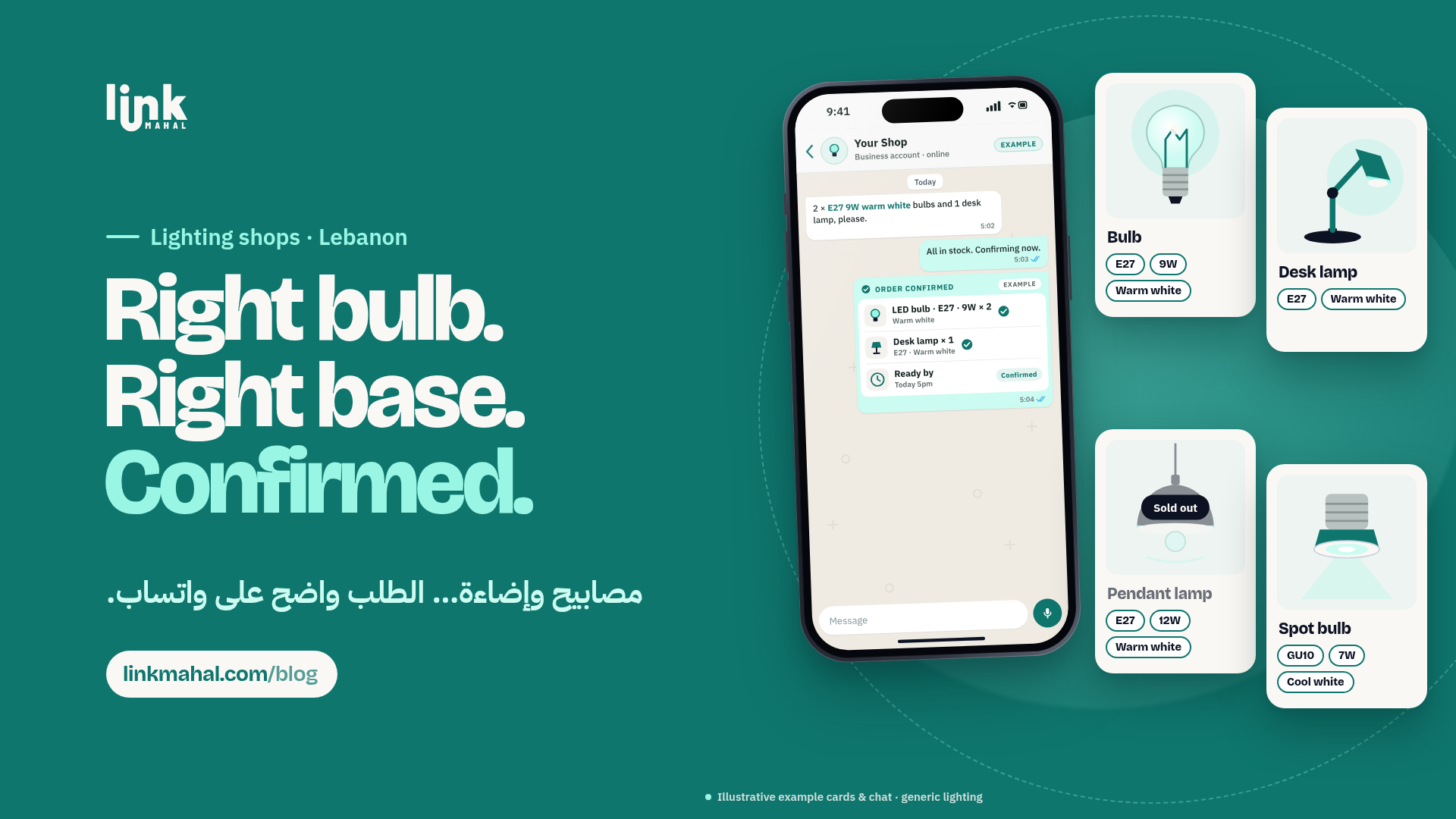
Lebanese lighting shops get clearer WhatsApp orders by listing the fitting type, wattage and light color on every lamp and bulb, grouping items by type, marking sold-out items and confirming each order in one message.
Why Lighting Orders Go Wrong on WhatsApp
Most mistakes in lighting orders come from missing details. A customer asks for "a bulb like the old one" or "a warm lamp for the bedroom", and you end up sending three or four questions back before you know what they need. When the fitting, wattage and light color are written on every item before the customer messages you, most of those questions disappear.
List the Three Details Every Customer Needs
Make every lamp, chandelier and bulb on your store answer the same three questions:
- Fitting type: E27, E14, GU10 or whatever the item uses. This is the detail customers get wrong most often, so put it in the product name or the first line of the description.
- Wattage: the power of the bulb or the maximum the fixture takes.
- Light color: warm white, neutral white or cool white, written in plain words.
A product name like "LED bulb E27, 9W, warm white" tells the customer everything before they open the chat.
Group Items by Type
Customers usually know what kind of light they want before they know the model. Group your products into simple categories such as ceiling lights, wall lights, table lamps and bulbs, so a customer can scroll one section instead of the whole shop. Inside the bulbs category, keeping items with the same fitting next to each other makes it easy to compare.
Mark Sold-Out Items Clearly
When a lamp or a bulb type runs out, mark it as sold out on your store instead of leaving it up. Customers stop ordering items you can't send, and you stop writing "sorry, that one is finished" in chat.
Use a Short WhatsApp Order Checklist
Ask customers to send their order in one message with four details:
- Item: the product name as it appears on your store.
- Fitting: E27, E14, GU10 or another type.
- Light color: warm, neutral or cool white.
- Quantity: how many pieces.
For example: "2 x LED bulb E27, 9W, warm white." One line like this replaces a long back-and-forth.
Confirm Every Order in One Message
Once the order arrives, repeat it back in a single reply: the items, fittings, light colors and quantities. For example: "Confirmed: 2 x LED bulb E27, 9W, warm white and 1 x table lamp E14, neutral white. Thank you!" If anything is unclear, ask about it in that same message. The customer sees exactly what you understood, and you have a written record of the order.
Set Up Your Lighting Shop on Link Mahal
Link Mahal gives your lighting shop its own online store with categories, sold-out labels and WhatsApp ordering built in, so every order reaches you as one clear message. Start with the free Starter plan (up to 10 products) and move to Pro or Enterprise as your range grows. Create your store, see plans and pricing, or read more about how to sell online in Lebanon.