
Many alteration jobs now start with a WhatsApp message. A clear routine turns those chats into jobs you can schedule: the customer describes the garment and the change, you ask a few fit questions, you agree a try-on time, and you confirm a ready-by date in one message. This WhatsApp tailor Lebanon guide walks through each step.
Let Customers Describe the Garment and the Change
Ask the customer to describe the garment in a few words: what it is, the fabric if they know it, and what they want changed. "Navy wool trousers, about 3 cm too long" tells you far more than "can you fix my trousers?". If something is unclear, ask a follow-up question in the chat rather than guessing.
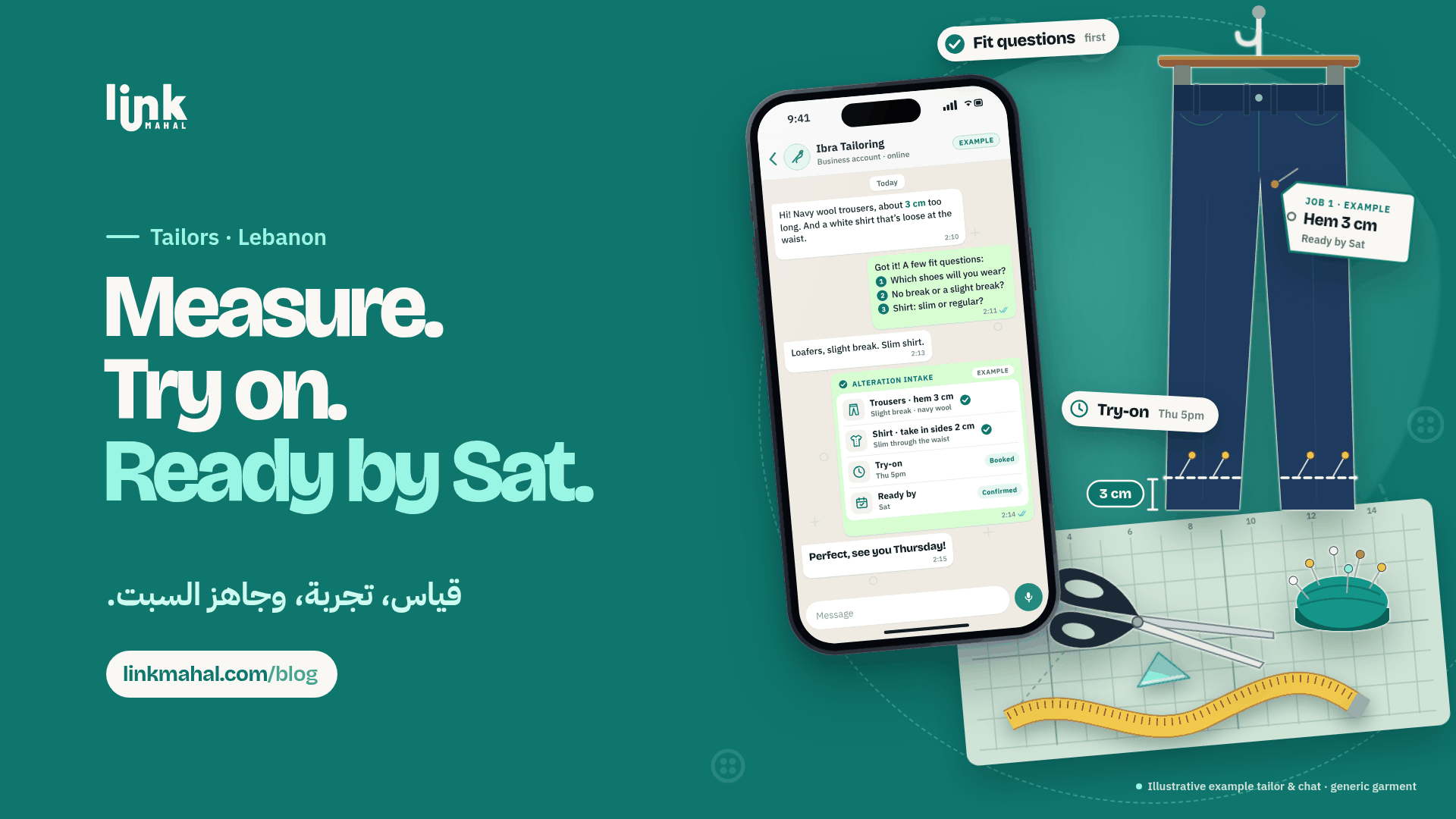
A hypothetical example: a customer writes, "White shirt, loose at the waist, I'd like it slimmer." Before they walk in, you already know the garment, the problem and the direction of the change.
Use a Short Intake Checklist
Ask the same four questions for every job so nothing gets missed:
- Garment type: trousers, shirt, dress, jacket or something else.
- Alteration needed: hem, take in, let out, shorten sleeves, replace a zip or mend a seam.
- Fit notes: how the customer wants it to sit, for example no break or a slight break on trousers.
- Deadline: the date they need it by, such as a wedding or a family event.
Keep the checklist as a quick reply in WhatsApp Business so you can send it in one tap.
Ask a Few Fit Questions Before the Try-On
Fit questions turn a vague request into exact work. Keep them short and practical:
- Which shoes will you wear with these trousers?
- Do you want no break or a slight break at the hem?
- Should the shirt be slim or regular through the waist?
Keep the answers in the chat. When the customer arrives, you are both working from the same notes.
Agree a Try-On Time in the Chat
Instead of an open "come by whenever", suggest two or three specific times and let the customer choose one. A confirmed slot like "Thursday at 5pm" helps you organise the day and keeps the fitting short.
At the try-on, pin and mark the garment, check the fit notes from the chat, and adjust anything the customer wants changed. Then add a short line to the chat with the final measurements, for example "hem 3 cm, sides taken in 2 cm".
List Your Alteration Services in Your Store
A simple list of the alterations you do helps customers name what they need. With a Link Mahal online store, you can list each service, such as hemming trousers, taking in a shirt or shortening sleeves, with a short description of what the job includes. Customers then send their request straight to your WhatsApp.
Close Every Job With One Confirmation Message
When the work is agreed, send one message that sums it up: the garment, the alteration, the try-on time and the ready-by date. A hypothetical example:
"Navy wool trousers: hem 3 cm, slight break. White shirt: take in sides 2 cm, slim through the waist. Try-on Thursday 5pm. Ready by Saturday."
Ask the customer to reply "OK" to confirm. If the date changes, send the update in the same chat so the latest version is always easy to find.
Want customers to see your alteration services and message you in one tap? Link Mahal gives you an online store with WhatsApp ordering. Create your store and start taking alteration orders on WhatsApp.