
Meat orders come down to details: the right cut, the right weight and the right preparation. When every WhatsApp chat follows the same simple steps, both you and your customers know exactly what is being ordered. This WhatsApp butcher shop Lebanon guide covers the practical basics: describing cuts clearly, asking a few cut and grind questions, checking what is available and confirming each order in one message.
Describe Every Cut by Weight and Preparation
Vague names lead to wrong orders. Describe each item in your store the same way every time:
- Cut: name the meat and the part, such as lamb shoulder, beef for mince or chicken thighs.
- Weight: list the amounts you usually prepare, for example 0.5 kg or 1 kg.
- Preparation: say how it can be prepared: whole, cubed, minced lean or regular, boneless, or skin on or off.
- Familiar names: use the words your customers already use, such as kafta mince or cubes for grilling.
Ask a Few Cut and Grind Questions
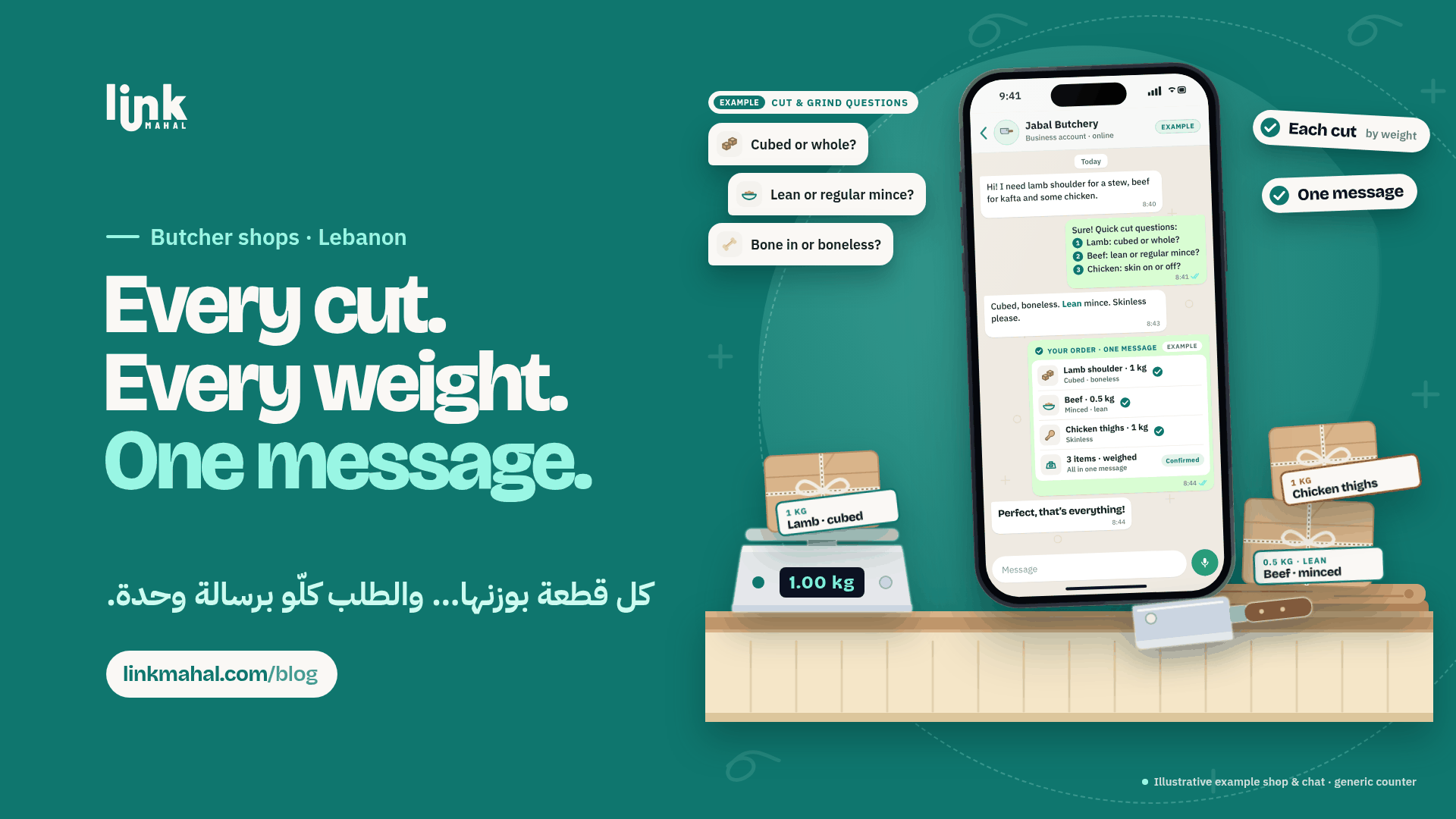
Most mix-ups come from one missing detail. Send short questions in one numbered message so the customer can answer them all at once:
- Which cut and how much? "Which part would you like, and what weight?"
- Cubed, minced or whole? For mince, ask whether they want it lean or regular.
- Bone and skin: "Bone in or boneless?" For chicken, "Skin on or off?"
- Marinade or spices: if your shop prepares them, ask whether they want any.
Check Availability Before You Confirm
Look at what you have before you say yes:
- Keep your product list updated: an up-to-date list lets you answer in seconds instead of checking the counter every time.
- Suggest the closest match: if a cut is not available today, point to a similar cut prepared the same way and explain the difference.
- Wait for a yes: only change the order once the customer approves.
Confirm Every Order in One Message
Close each chat with a single summary the customer can check:
- Each item: the cut, the weight and the preparation on one line.
- Special requests: any marinade, spices or notes the customer asked for.
- A clear question: end with "Is everything correct?" and start preparing only after the customer replies yes.
A Hypothetical Order Example
Imagine a small neighbourhood butcher. A customer writes in with three items at once. The exchange might look like this:
Customer: "Hi! I need lamb shoulder for a stew, beef for kafta and some chicken."
Shop: "Sure! Three quick questions: lamb cubed or whole, beef lean or regular mince, and chicken skin on or off?"
Customer: "Cubed and boneless, lean mince, skinless please."
Shop: "Your order: lamb shoulder 1 kg, cubed and boneless; beef 0.5 kg, minced lean; chicken thighs 1 kg, skinless. Is everything correct?"
Customer: "Perfect, that's everything!"
Three questions settle the cut and preparation of every item, and the whole order is confirmed in one message.
Small Habits That Keep Orders Clear
- Use quick replies: keep your cut and grind questions ready to send so every chat starts the same way.
- Use voice notes when they help: some customers find it easier to describe a cut out loud. Listen carefully, then write the details back in your summary.
- Send one updated summary: if the customer changes something, resend the full order instead of scattering edits across several messages.
For more on selling online, see Link Mahal's guide to selling online in Lebanon.
Ready to take meat orders on WhatsApp with a proper online store? Register now on Link Mahal.