
Customers in Lebanon already message their optician on WhatsApp to ask about frames, lenses and contact lenses. Running a WhatsApp optician Lebanon shop well comes down to three habits: describe every frame the same way, use a short checklist for lens orders, and confirm each order in one clear message. This guide walks through each step.
How to List Eyeglass Frames on WhatsApp
Most frame questions are about fit and availability. Give every frame the same short description so customers can compare without a long back-and-forth:
- Shape: round, square, rectangular, cat-eye, aviator and so on.
- Size: lens width, bridge width and temple length (the three numbers printed inside the arm), so customers can compare with a pair they already own.
- Material: acetate, metal, titanium or a mix.
- Colour: every colour you actually have for that model.
- In stock or order-in: say clearly whether the frame is on your shelf or needs to be ordered.
When these details sit in your store listing, you can share one link instead of typing the same answer again and again, and customers can shortlist frames before they come in to try them on.
A Short Intake Checklist for Lens Orders
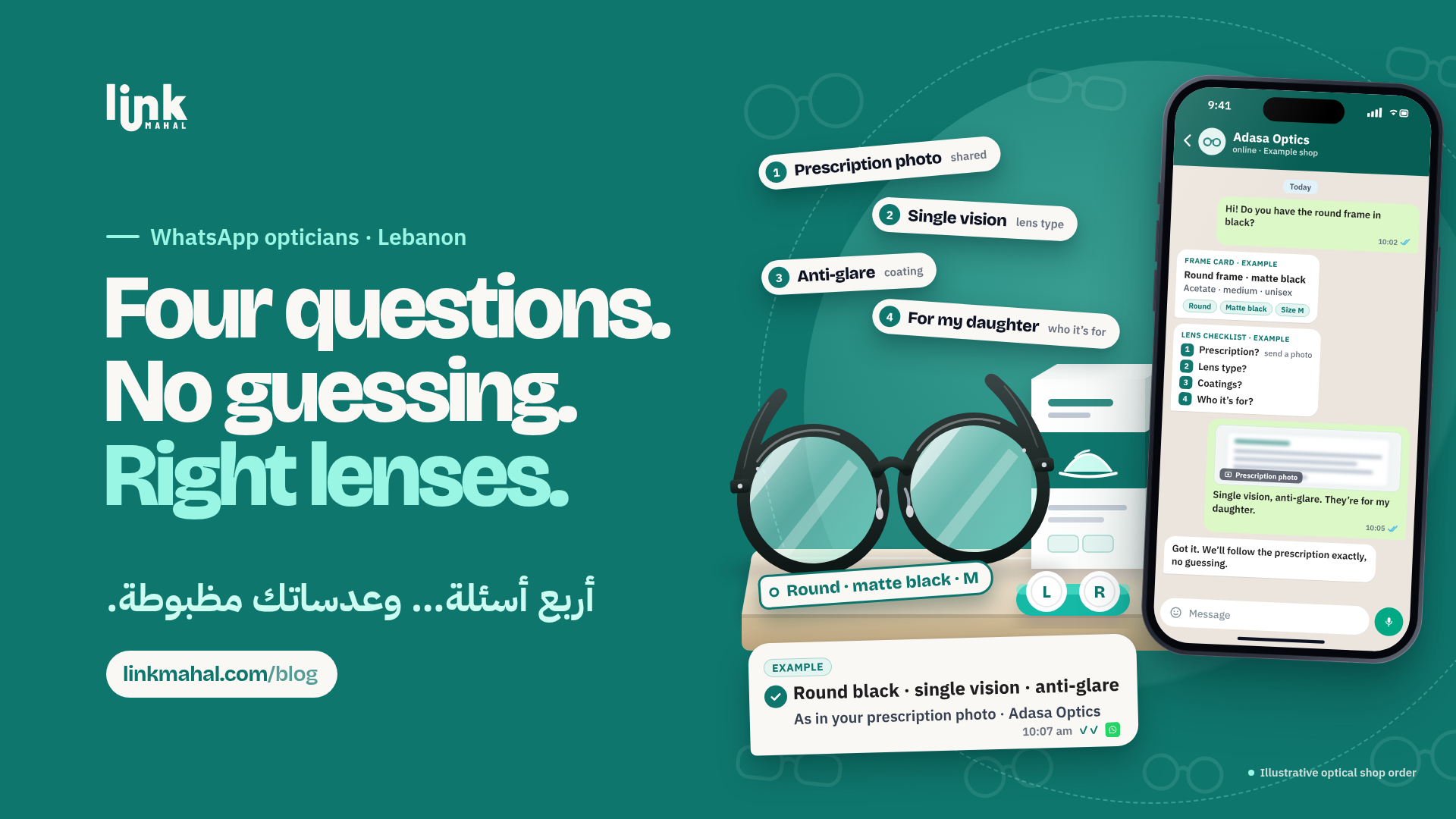
Lens orders go wrong when one detail is missing. Ask the same four questions every time:
- Prescription: ask the customer to type it out exactly as written on their eye doctor's prescription, or to bring the written prescription to the shop.
- Lens type: single vision, bifocal or progressive.
- Coatings and options: any lens options the customer has asked about, such as anti-reflective coating or thinner lenses.
- Who it is for: the customer, a child or another family member, so the right prescription goes with the right order.
If anything is unclear, ask before you order. A quick question in the chat is far easier than remaking a pair of lenses.
Never Guess a Prescription
An optical shop should never fill in missing numbers or work from memory. If the prescription is incomplete or hard to read, ask the customer for the written prescription and, if anything is still unclear, to check with their eye doctor. A simple message works well:
"To make sure we order exactly what your prescription says, could you send a clear copy of the written prescription, or confirm these numbers with your eye doctor before we order?"
This keeps your shop careful and professional, and it saves both you and the customer time.
Ask for Contact Lens Details From the Prescription
For contact lens orders, always work from the customer's current written prescription rather than memory or an old box. Ask for:
- Lens name exactly as written on the prescription.
- Power for each eye, plus base curve and diameter, exactly as written on the prescription.
- Wear schedule: daily, fortnightly or monthly lenses, as the prescription specifies.
- Quantity: how many boxes for each eye.
If the customer is unsure about any detail, or the prescription may no longer be current, ask them to check with their eye doctor before you order.
Notes for Fitting Visits and Frame Adjustments
Many frames need a small adjustment once the lenses are in. When a customer messages that their glasses feel loose or press behind the ears, write down what they describe and suggest a time for a quick fitting at the shop. Add the note to their order so whoever is at the counter knows what to adjust when they arrive.
Confirm Every Lens Order in One Message
Before you order lenses, send one summary and ask the customer to reply "confirm":
- Frame model, colour and size
- Lens type and the prescription you will use, exactly as written
- Coatings or other options
- Who the glasses are for, and whether the frame is in stock or being ordered in
Hypothetical example (a made-up shop for illustration only): imagine a small optical shop that receives a message asking for progressive lenses in a frame from its listing. It sends the four intake questions, receives the prescription typed out, notices a number is missing, asks the customer to check the written prescription, and only then sends the summary for confirmation. One extra question avoided a remake.
Put Your Frames and Lens Options in One Store Link
A Link Mahal store lets an optical shop list frames and lens options in one place, with orders arriving straight in WhatsApp and no marketplace in the middle. You can see how it works on our sell online in Lebanon page.
Ready to set up your optical shop's store? Register now on Link Mahal.