
Most Lebanese buyers already trust WhatsApp, so it is the natural place to collect customer reviews. In Lebanon, where so much buying happens on word of mouth, a few honest words from real buyers can do more for a small shop than any ad. Asking for feedback right after an order is the simplest way to build that credibility.
When to Ask for a Review After an Order
The best time to request a review is shortly after the customer has received their order. Customers are most likely to recall their experience and share their thoughts when the transaction is fresh in their minds. Here’s how to structure your approach:
- Send a thank you message as soon as the order is delivered.
- Follow up within 24 hours with a polite review request.
How to Write a Polite WhatsApp Review Request
Your request should feel personal but also be concise. Here are some examples you can use:
- “Marhaba! We hope you loved your order. If you have a moment, we’d appreciate a review. Your feedback helps us serve you better!”
- “Thank you for choosing us! If you enjoyed your purchase, could you send us a quick review? We’d love to hear from you!”
Encouraging Easy Responses
Make it simple for customers to respond. Encourage them to send a voice note, text, or even a screenshot of their feedback. Here’s how:
- Voice Notes: You can say, “Feel free to send us a voice note about your experience!”
- Text: Ask them to reply with a quick message. This is easy and requires little effort.
- Screenshots: If they post about your product on social media, invite them to send a screenshot.
Getting Permission Before Sharing Reviews
Always ask for permission to share customer reviews publicly. This builds trust and shows respect for your customers. You can say:
- “We’d love to share your feedback on our page! Would you mind if we posted your review?”
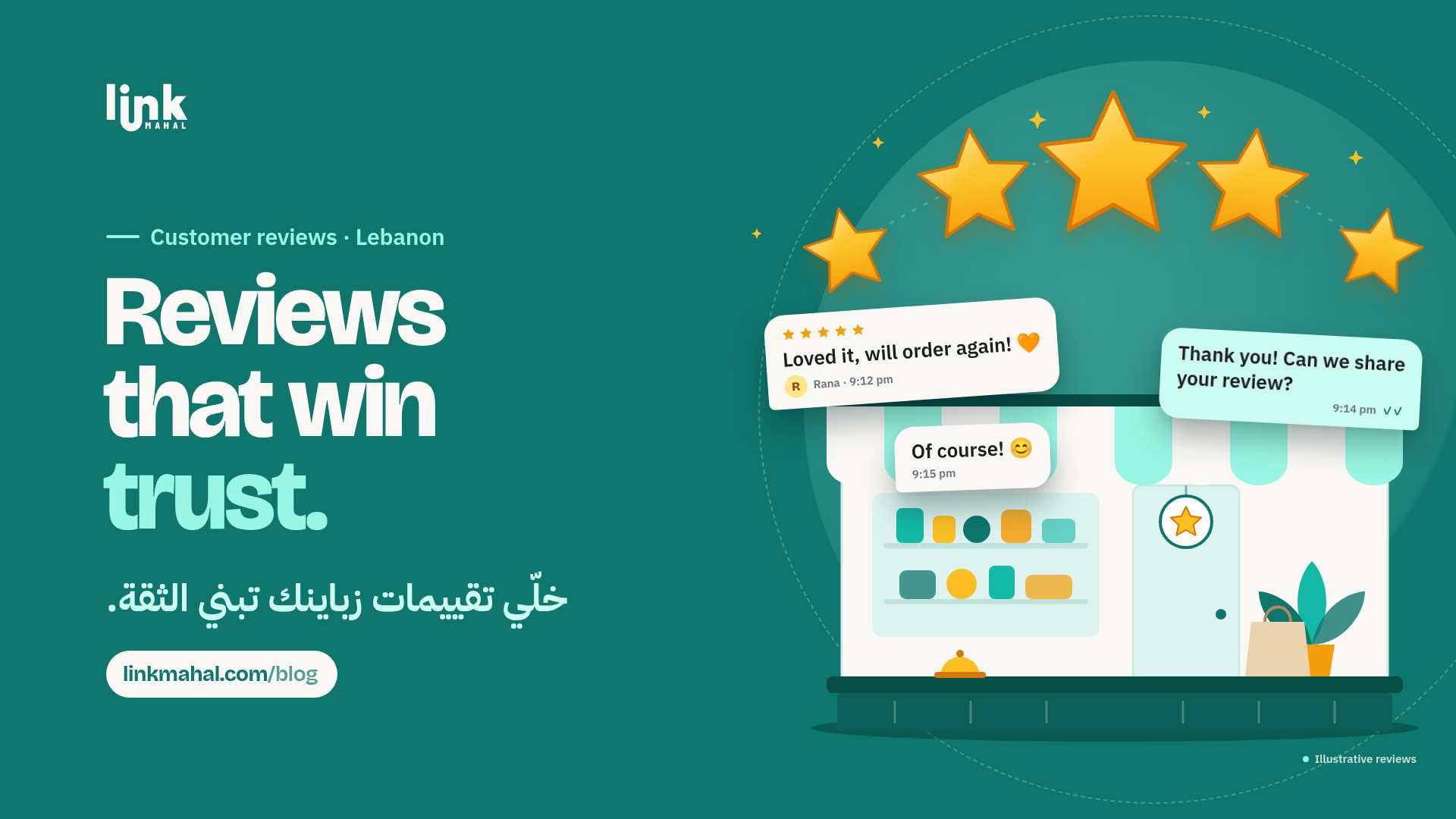
- “Your words mean a lot to us. Can we share your review with our community?”
Turning Reviews into Trust
Once you have permission to share reviews, display them prominently on your WhatsApp store and consider adding them to your Google Business Profile. Here’s how to make reviews work for you:
- Share an approved review in your WhatsApp Status, with the customer's first name only if they agreed.
- Add a “Customer Reviews” section in your WhatsApp store description.
Responding to Negative Feedback Calmly
Negative reviews can happen, but how you respond matters. Address the issue calmly and publicly to show potential customers your commitment to service. For example:
- “We’re sorry to hear about your experience. Please DM us so we can make it right!”
- “Thank you for your feedback; we’re always looking to improve. Can you share more details in a private message?”
Staying Honest with Customer Reviews
Honesty is crucial when it comes to customer reviews. Always avoid fake or paid reviews as they can damage your reputation. Build a genuine community by encouraging real feedback from your customers.
By effectively collecting and utilizing customer reviews, Lebanese shops can enhance their trustworthiness and improve sales through a WhatsApp store in Lebanon. Collecting customer reviews in Lebanon doesn't need special software: ask at the right moment, ask kindly, get permission, and let real words from real buyers do the convincing. Ready to give your reviews a professional home? Create a Link Mahal store today!