
Many pet owners in Lebanon already message their local pet shop on WhatsApp to ask about food and supplies. With a clear WhatsApp storefront and a simple chat routine, a pet shop can turn those messages into tidy, accurate orders without long back-and-forth.
How to Set Up Your WhatsApp Pet Shop
Take a hypothetical example: imagine a small, made-up pet shop in Beirut that sells dog, cat, bird and fish supplies. Its first step is a WhatsApp storefront where every product is listed clearly, with these details on each item:
- Brand: Name the manufacturer so the buyer knows exactly which line you mean.
- Pet Type: Say whether the product is for dogs, cats, birds, or fish.
- Life Stage: Note the life stage such as puppy, kitten, adult, or senior.
- Bag Weight: State the bag weight in one clear line.
- Flavor: Mention the flavor options you actually keep.
Mark each item as in stock or out of stock and keep that note current. Buyers then see what is available before they message, and you avoid promising a bag you no longer have.
Creating a Clear Intake Checklist
When someone reaches out on WhatsApp, a short intake checklist keeps the thread tidy. Ask for:
- Which pet do you have?
- Which brand are you interested in?
- What bag weight do you need?
With those three answers up front, you can point to the right product without a long exchange.
Example Intake Message
For instance, a simple message could be:
"Hi! What type of pet do you have? Which brand are you looking for, and what bag weight do you prefer?"
Suggesting Alternatives When Necessary
Brands go out of stock. Keep a few comparable options ready so you can reply without leaving the chat hanging. If someone asks for a brand you do not have, name a close match and say what is similar. For example:
"We currently don't have [Brand X] in stock, but we do have [Brand Y] which is a similar adult dog food in the same bag weight."
A clear alternative keeps the conversation moving and helps the buyer decide what to order next.
Confirming Orders with a Summary Message
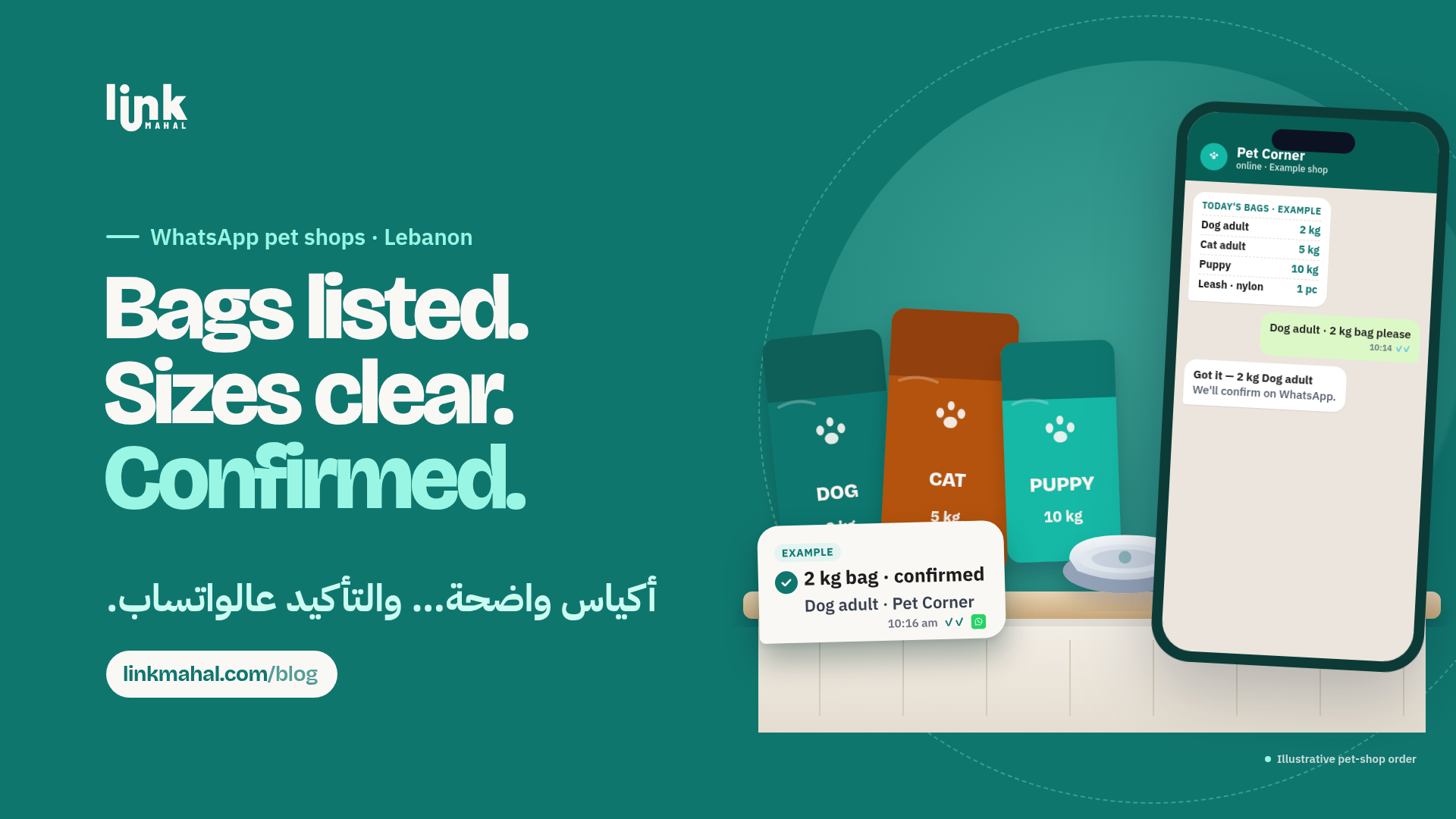
Once the buyer has made their choice, confirm the order in one concise summary message. This should include:
- Product name and details (brand, pet type, weight, flavor)
- Quantity of each item
- Any alternative the buyer agreed to
An example order confirmation might read:
"Thank you! Confirming your order: 1 bag of [Brand Y] adult dog food, 15kg, chicken flavor, plus 1 pack of [Brand Z] cat litter. Please reply OK if everything is correct."
One written summary reduces mix-ups and gives both sides the same record.
Keeping Stock Notes Honest
When a popular brand or bag weight runs out, update the product note right away and tell people who ask when you expect the next batch, only if you actually know. If you are not sure, say so and suggest the closest alternative. A short voice note can help explain the difference between two similar foods, but always put the final choice in writing so nothing is lost.
Taking pet food and supply orders on WhatsApp in Lebanon works best with clear product details, a short intake checklist, ready alternatives and one summary confirmation. With those habits in place, each chat stays easy to follow.
Ready to start selling online in Lebanon? Create your own store with Link Mahal today: Register now.